 Norvane Systems
Why YouTube is so hard to put down at night
YouTube is harder to give up than most apps because it’s also useful: tutorials, music, the news. Autoplay is the problem. When one video ends the next one starts, and Shorts keep going as long as you swipe. At night, nothing tells you to stop.
Can you block YouTube with Screen Time?
Up to a point. iPhone’s built-in Screen Time can put YouTube on a daily time limit or include it in a schedule. But its limits offer Ignore Limit unless you’ve set a Screen Time passcode, and a schedule switches off everything you haven’t allowed, not just YouTube. YouTube’s own reminders can tell you you’ve been on a while, but a reminder is easy to swipe away.
How to block YouTube at night
- Download Unhaste and allow Screen Time access.
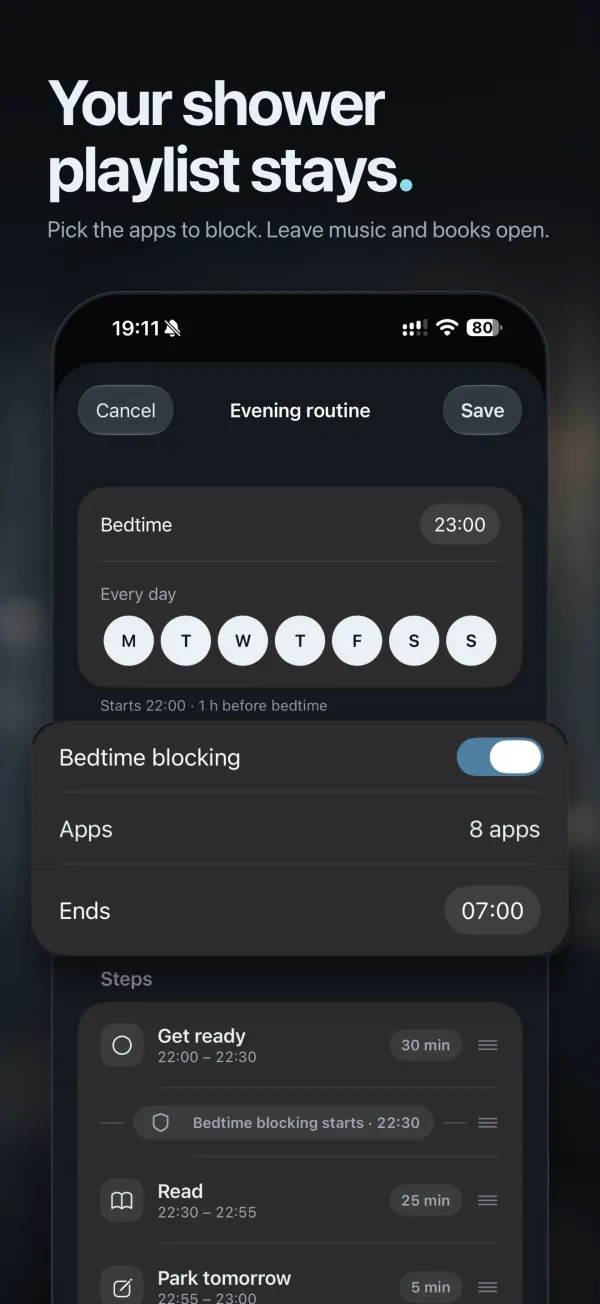
- In Wind Down, set your bedtime and turn on Bedtime blocking.
- Add YouTube to the apps it blocks, along with any other feed that keeps you up.
- Drag the Bedtime blocking marker to the step where YouTube should switch off, and choose when it comes back in the morning.
Prefer a fixed time? On the Blocking tab, give YouTube a block with set hours instead, like 10 p.m. to 7 a.m.
Keep YouTube in check during the day
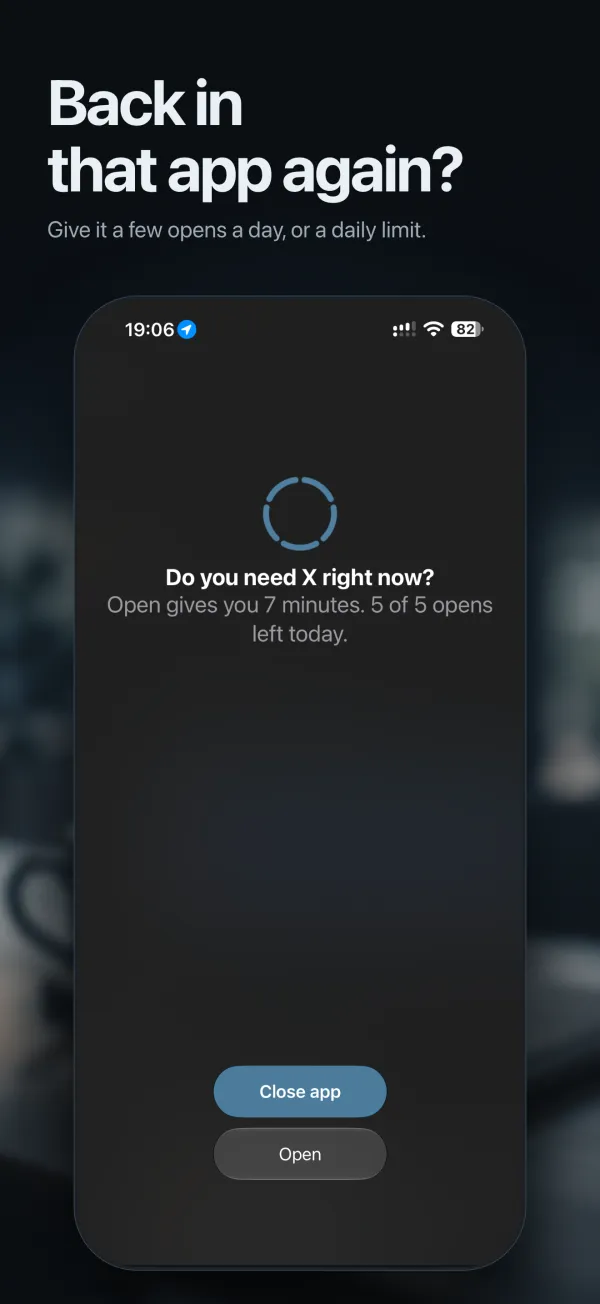
Rather than block YouTube all day, give it a daily time limit of, say, 45 minutes, with a heads-up five minutes before it runs out. That leaves room for the video you actually need. YouTube Music is its own app, so leave it off the list and your playlists keep playing.
Add youtube.com to the same block, so the browser isn’t a back door. For more options, see every way Unhaste blocks apps.
Questions and answers
Can I block YouTube but keep YouTube Music?
Yes. They’re separate apps, so block YouTube and leave YouTube Music off the list.
Can I block YouTube only at night?
Yes. Add it to Bedtime blocking, or give it a block with set hours, like 10 p.m. to 7 a.m.
How do I stop YouTube autoplay at night?
Block YouTube from the moment you start getting ready for bed. If the app won’t open, autoplay can’t start.